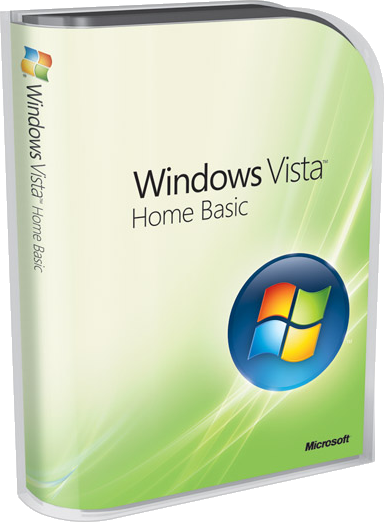
Minimum:
800 MHz 32-bit (x86) or 64-bit (x64) CPU
512 MB of system memory - RAM (Only 64 MB can be used for Integrated UMA Graphics Memory)
20 GB hard disk with 15 GB of free hard disk space
Super VGA (800 x 600) graphics card *
Internal or external CD-ROM drive
Keyboard and Microsoft Mouse or compatible pointing device
Maximum:
1 Physical CPU (Multi-Core + Hyper-threading supported)
4 GB of system memory - RAM with 32-bit (x86) CPU
8 GB of system memory - RAM with 64-bit (x64) CPU
5 Simultaneous Peer Network Connections
Recommended:
800 MHz 32-bit (x86) or 64-bit (x64) CPU
512 MB of system memory - RAM (Only 64 MB can be used for Integrated UMA Graphics Memory)
20 GB hard disk with 15 GB of free hard disk space
32 MB DirectX 9-class graphics card *
Internal or external DVD-ROM drive
Keyboard and Microsoft Mouse or compatible pointing device
Internet access capability
Audio output capability
* Aero is not supported
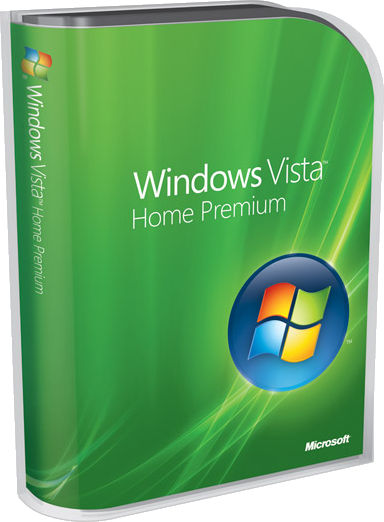
Minimum:
800 MHz 32-bit (x86) or 64-bit (x64) CPU
512 MB of system memory - RAM (Only 64 MB can be used for Integrated UMA Graphics Memory)
20 GB hard disk with 15 GB of free hard disk space
Super VGA (800 x 600) graphics card
Internal or external CD-ROM drive
Keyboard and Microsoft Mouse or compatible pointing device
Maximum:
1 Physical CPU (Multi-Core + Hyper-threading supported)
4 GB of system memory - RAM with 32-bit (x86) CPU
16 GB of system memory - RAM with 64-bit (x64) CPU
10 Simultaneous Peer Network Connections
5 Media Center Extender Sessions
Recommended:
1 GHz 32-bit (x86) or 64-bit (x64) CPU
1 GB of system memory - RAM (Only 256 MB can be used for Integrated UMA Graphics Memory)
40 GB hard disk with 15 GB of free hard disk space
128 MB Windows Aero-capable DirectX 9-class graphics card
Internal or external DVD-ROM drive
Keyboard and Microsoft Mouse or compatible pointing device
Internet access capability
Audio output capability
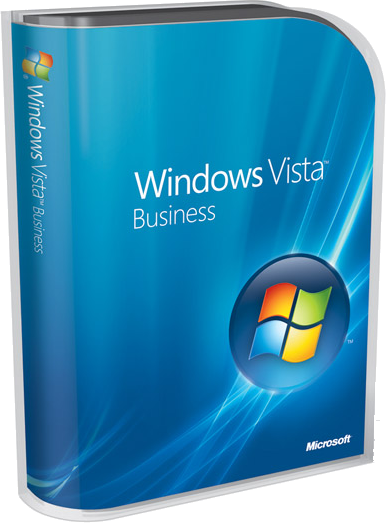
Minimum:
800 MHz 32-bit (x86) or 64-bit (x64) CPU
512 MB of system memory - RAM (Only 64 MB can be used for Integrated UMA Graphics Memory)
20 GB hard disk with 15 GB of free hard disk space
Super VGA (800 x 600) graphics card
Internal or external CD-ROM drive
Keyboard and Microsoft Mouse or compatible pointing device
Maximum:
2 Physical CPUs (Multi-Core + Hyper-threading supported)
4 GB of system memory - RAM with 32-bit (x86) CPU
128 GB of system memory - RAM with 64-bit (x64) CPU
10 Simultaneous Peer Network Connections
Recommended:
1 GHz 32-bit (x86) or 64-bit (x64) CPU
1 GB of system memory - RAM (Only 256 MB can be used for Integrated UMA Graphics Memory)
40 GB hard disk with 15 GB of free hard disk space
128 MB Windows Aero-capable DirectX 9-class graphics card
Internal or external DVD-ROM drive
Keyboard and Microsoft Mouse or compatible pointing device
Internet access capability
Audio output capability
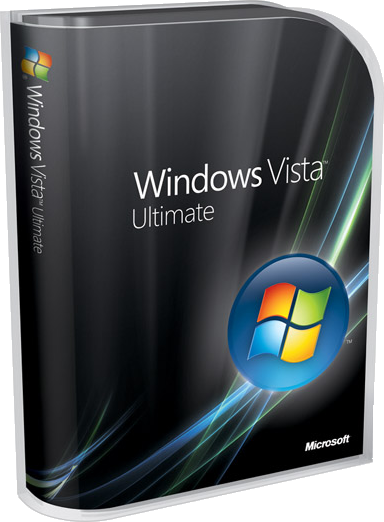
Minimum:
800 MHz 32-bit (x86) or 64-bit (x64) CPU
512 MB of system memory - RAM (Only 64 MB can be used for Integrated UMA Graphics Memory)
20 GB hard disk with 15 GB of free hard disk space
Super VGA (800 x 600) graphics card
Internal or external CD-ROM drive
Keyboard and Microsoft Mouse or compatible pointing device
Maximum:
2 Physical CPUs (Multi-Core + Hyper-threading supported)
4 GB of system memory - RAM with 32-bit (x86) CPU
128 GB of system memory - RAM with 64-bit (x64) CPU
10 Simultaneous Peer Network Connections
5 Media Center Extender Sessions
Recommended:
1 GHz 32-bit (x86) or 64-bit (x64) CPU
1 GB of system memory - RAM (Only 256 MB can be used for Integrated UMA Graphics Memory)
40 GB hard disk with 15 GB of free hard disk space
128 MB Windows Aero-capable DirectX 9-class graphics card
Internal or external DVD-ROM drive
Keyboard and Microsoft Mouse or compatible pointing device
Internet access capability
Audio output capability
It's safer and more reliable and there are dozens of wonderful new features. But what most people notice first about Windows Vista is the way it looks. The beautiful new design is your entry to an easier way of doing things, like working with files and editing pictures. After using it a little while, you’ll discover new things you can do and easier ways to do pretty much everything. Most people tell us it's even easier to use than Windows XP. Here are a few things we think you'll really like:
Stop waiting for your PC to start
Hate waiting for your PC to start? You'll love the Instant Sleep feature. When you're finished using your PC, just put it to sleep. When you come back, it should be ready to go in about 10 seconds. You can go for weeks without ever turning your computer completely off. When you turn it back on, you don't need to plan on a long wait—Windows Vista typically starts up in less than a minute.
Find what you're looking for instantly
Ever struggle to find a file or picture on your PC? Wouldn't it be great to search your computer the same way you search the web? We think so, too. That's why we added search to Windows. So now if you're looking for a picture you took on a beach vacation a few years ago, you can enter anything you remember about the picture, such as "06 2005" or "beach." You'll get a list of everything (even e-mail and applications) that includes the date or name you enter
Take your music and pictures with you
Got a CD collection sitting on a shelf? Digital photos still on your camera? Your PC is a great place to easily store, organize, and enjoy your music and photos. With new easy-to-use tools, importing and organizing photos or CDs is amazingly easy.
For example, building a music library is as simple as sliding CDs into your PC. Windows Media Player will import them for you and organize your music into a collection that you can instantly sort (and re-sort) any way you like, such as by artist, album, or type of music. If you're looking for a particular song, then sort all your music by song. And your songs aren't stuck on your PC because you can also easily transfer music to most MP3 players.
Now, about those photos on your digital camera. To import pictures to your PC, just plug in your camera. Windows Photo Gallery automatically offers to import your pictures. From there, you'll find easy-to-use tools to fix, organize and share your favorite shots with other people. You can remove red eye and crop images right from a single screen. That's a lot better than trying to show baby photos to your mom by holding up your camera's tiny screen.
Record TV on your PC—for free
Did you know that your PC can also be a digital video recorder? With Windows Vista Home Premium or Ultimate you can use your PC to watch and record TV (even high definition) and play it back whenever you want. Your PC becomes a digital video recorder...with no monthly fee. You'll generally just need a TV tuner card, and if your computer didn't come with one, you can get one for U.S. $50–100. Then, hook up your computer to your cable TV connection, and Windows Media Center in Windows Vista has all you need to watch, pause, rewind, and record TV.
Be ready to connect wherever you are
Connect anywhere there's wireless access—at home, at work, or on the road. It's a lot easier to do with the one-stop setup in the Network and Sharing Center. And it's easier to change your mobile PC settings. Instead of having to move among several windows, you have one stop at Windows Mobility Center to adjust power settings for longer battery life, turn your wireless connection on or off, connect to a projector, and more.
Help keep your family and PC safer
Like most people, you're probably concerned about computer safety. So it's good to know that Windows Vista is 60 percent less likely to be infected with viruses than Windows XP. Your family and personal information is also safer from threats such as malicious software or phishing scams. Parental Controls help you keep your kids safer by helping you control when they can use the computer, what applications they can use, what games they can play, and what websites they can visit.
This is just a sample of what's new in Windows Vista. Explore the rest of this site for more detail and help getting started.
Download ...
Read More...

|